Google News RSS vs Google Alerts: Which Is Better for News Monitoring?
Google Alerts is fine. That's also the problem with it.
You set it up once, forget it's running, and occasionally glance at a daily digest full of results you're not sure what to do with. It's the inbox you never clean out: technically working, practically ignored.
That's not a knock on the product. Google Alerts does exactly what it promises: it notifies you. The issue is that most teams need more than notification. They need infrastructure.
What Google Alerts actually does well
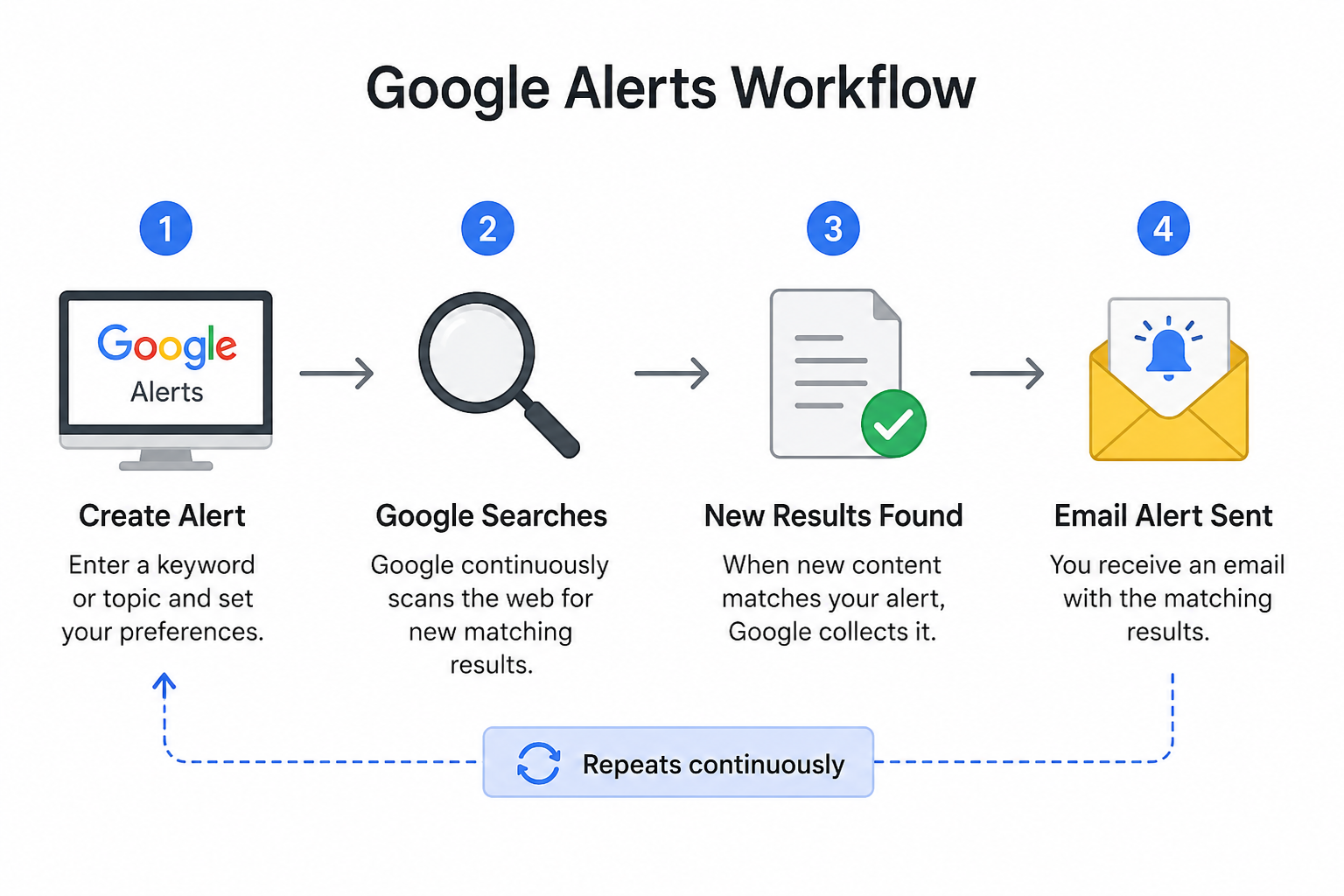
For solo, low-stakes monitoring, Alerts is genuinely good. You want to know when your name shows up somewhere? Done. Watching for a competitor's press release? Fine. One keyword, one inbox, no setup overhead.
The use case it nails is passive awareness: you don't have to do anything with the result, you just need to know it happened.
- Personal name and brand mentions
- One-off campaign monitoring
- Casual competitor check-ins
- Broad topic awareness you don't need to act on
If that's your whole workflow, stop here. Alerts works.
Where it falls apart
The moment monitoring becomes a team sport, Alerts starts to crack.
There's no shared view. No way to push results into Slack without a workaround. No structure for turning a week's worth of mentions into a brief. Every update lands in one person's inbox, and the moment that person is OOO, the monitoring stops.
More practically: an email is a dead end. You read it, maybe forward it, probably archive it. There's no way to route the same signal to a dashboard, a newsletter, and a Slack channel without rebuilding the workflow from scratch.
What a Google News RSS feed actually unlocks
An RSS feed treats news as a live data source, not a one-time notification. That's a small conceptual shift with a big practical difference (For a fuller breakdown, read RSS.app’s guide to what RSS is and how it works).
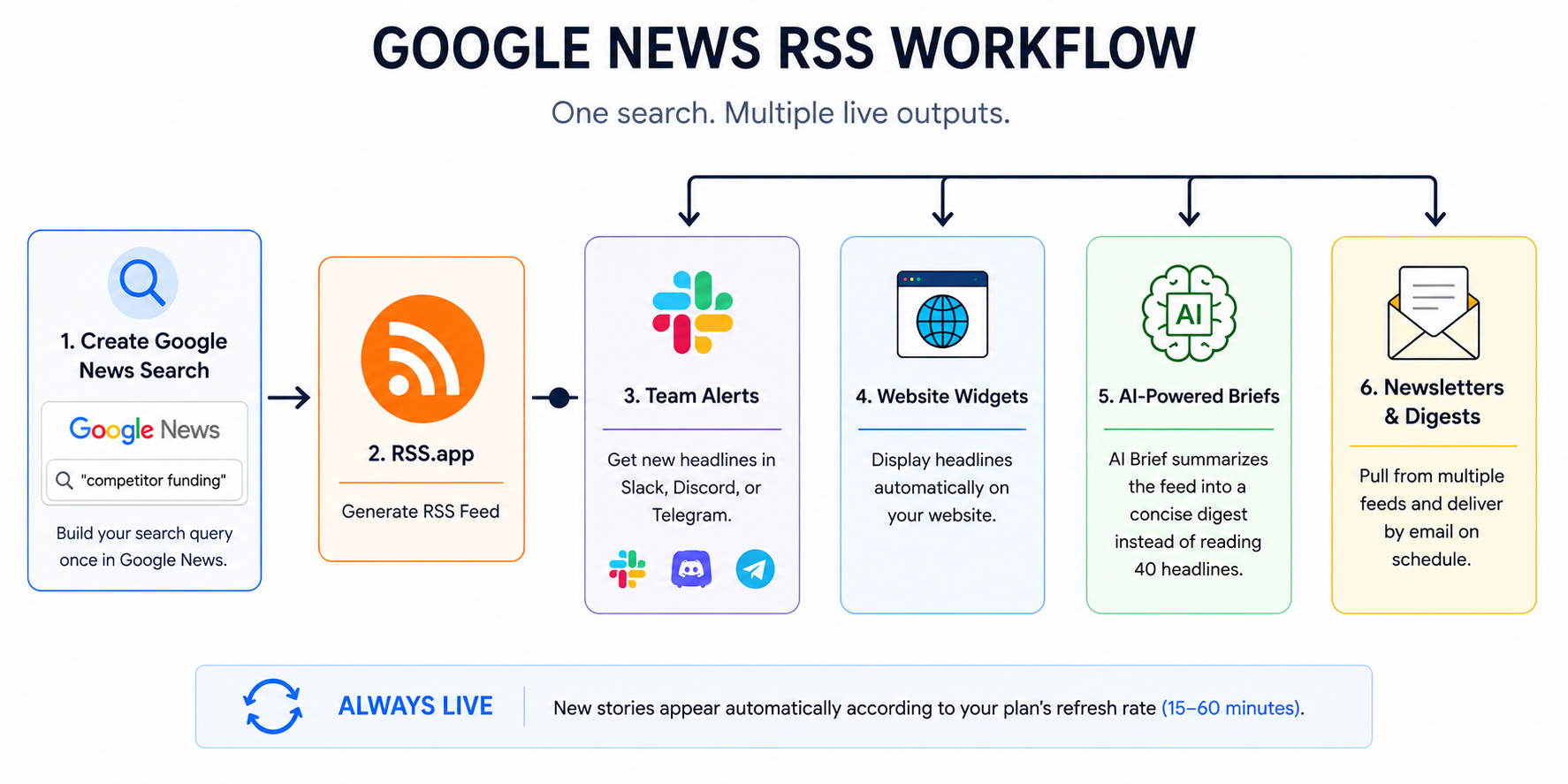
The same Google News search, like "[competitor] funding" or “[industry] regulation 2025”, becomes a feed you can wire into multiple outputs:
- Team alerts in Slack, Discord, or Telegram, so coverage surfaces where your team already works
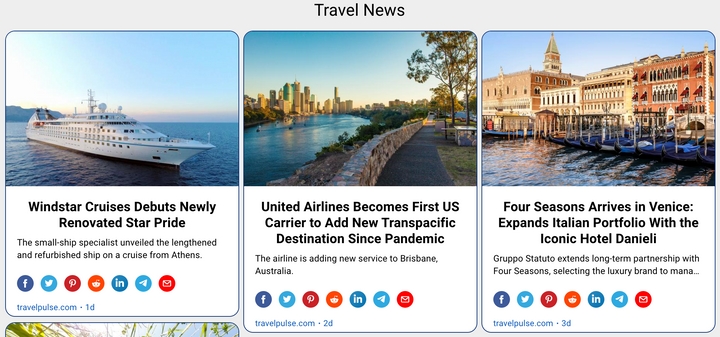
- Live website widgets that display headlines automatically, no manual updates
- AI-powered briefs via AI Brief, which summarizes a feed into a digest instead of making someone read 40 headlines
- Newsletters and digests that pull from multiple feeds, grouped by topic
You build the search once. Everything downstream stays live.
The real difference: notification vs infrastructure
Google Alerts answers the question: did something happen?
Google News RSS answers: what do we do with it?
For PR teams tracking media coverage, that distinction matters. For founders watching three competitors and two industry topics simultaneously, it matters. For marketing teams that write a weekly roundup, it matters a lot, because right now someone is probably copying links from their inbox into a Google Doc on Friday afternoon.
RSS doesn't eliminate that work. It just moves it upstream, so the feed does the collecting and you only show up to make decisions.
Which one to use
If monitoring is personal and email is fine: use Google Alerts.
If monitoring is part of someone's job, or needs to show up somewhere other than an inbox, use Google News RSS.
The comparison isn't really Alerts vs RSS. It's whether your monitoring has a next step. If it does, you need a feed.
RSS.app's guide walks through how to turn any Google News search into a working RSS feed in a few minutes.
Want to try RSS feeds?
Create your first feed in minutes. Free to start, no credit card required.
Share this article


Ready to get started?
Create your first RSS feed in minutes. No coding required.